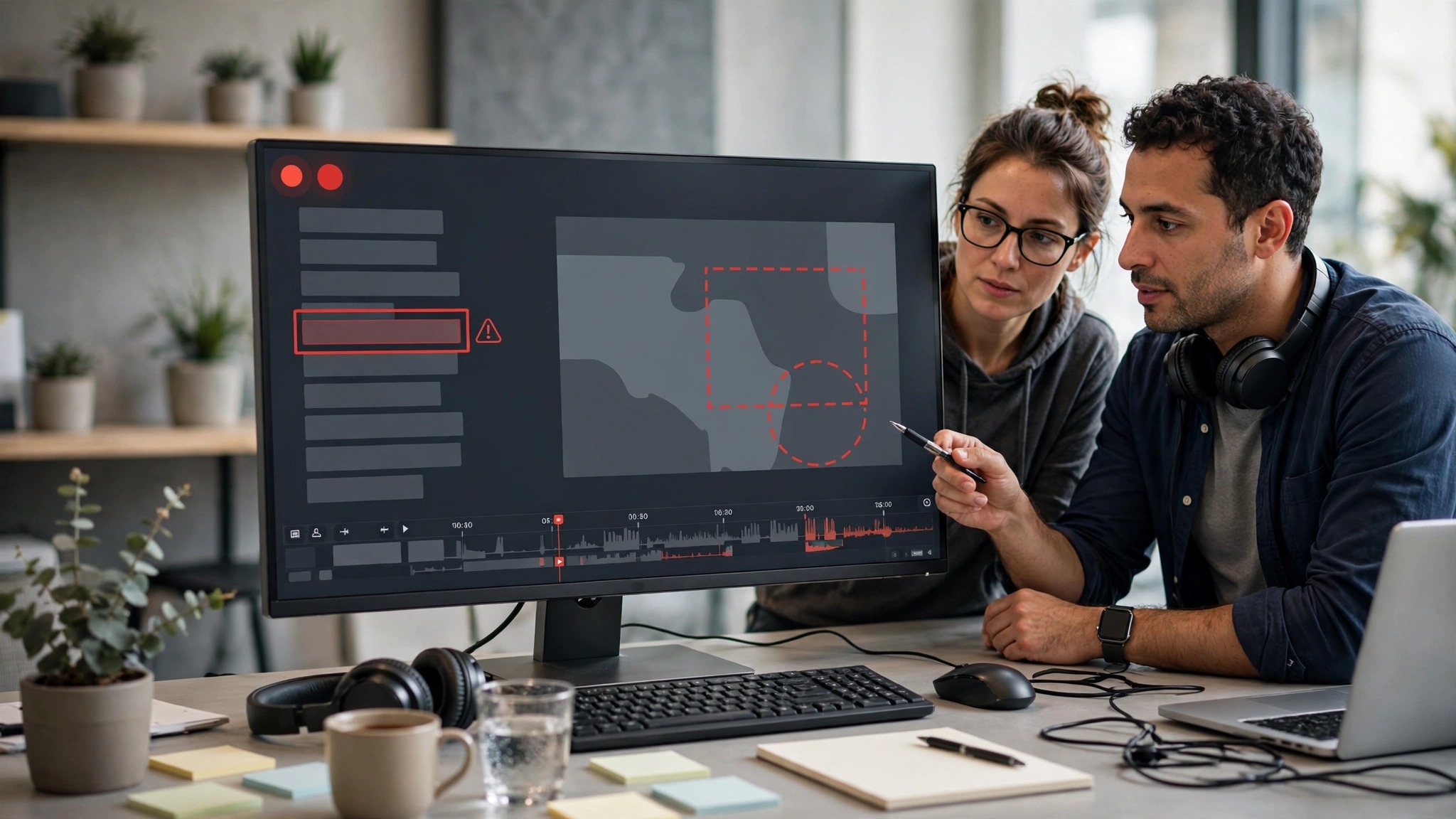
Software testing is a crucial aspect of software and digital platform development that helps identify application issues and prevent problems. Developers and quality assurance workers continually test various features, discover mistakes, and report issues that require addressing. Sometimes, however, an explanation of a technical problem can be confusing when given in writing. With iTop Screen Recorder, you can easily record on-screen activities and make visual recordings to facilitate software testing.
Record Software Issues with Clear Visual Evidence
A screen recording can help to illustrate what occurred in the application when it acted in an unexpected manner. Testers don’t need to write explanations of how an error can occur; they can just record the steps that will cause the error. This enables developers to see the problem right before their eyes, understand what is happening, and explore potential cause(s).
For users who wish to record anything they do on their desktop, iTop Screen Recorder can be used to record their activities and test software features. These recordings can be helpful when reporting bugs or for talking with development teams about technical issues.
Make Testing Procedures Easier to Follow
In software testing, certain actions have to be repeated several times to verify that the software generates the same output on each subsequent execution. Keeping a record of these procedures may allow teams to have a better understanding of the processes they use for testing.
For instance, a tester could log their actions within an application, whether they are typing information, opening various menus, clicking on specific features, and so on. The participants of the team can view the recording and learn the testing sequence without having to repeat all of the instructions manually.
This is particularly helpful when multiple users are testing the same project and expect everyone to adhere to the same testing methods.
Improve Communication Between Developers and Testers
When identifying and fixing software defects, good communication is critical. If the bug is described in writing, it can explain what went wrong, but it may not display exactly what sequence of actions led to the problem.
iTop Screen Recorder allows testers to record videos and visualize their explanation, so that developers can get to the point faster. These recordings can also help team discussions compare the expected application behavior with the actual behavior.
Teams can minimize misunderstandings and enhance technical discussions through the exchange of screen recordings.
Create Reusable Testing Documentation
Recorded screenshots can be useful tools for future testing endeavors. Teams can record videos of vital procedures, frequent application mistakes, and/or successful testing scenarios. These resources might be useful to new testers to help them understand existing workflows and to offer context when facing similar issues in the future.
Organized records also make it easier to consult past issues and the function of specific software during other test sessions.
Useful for Independent Developers and QA Teams
Any independent software development team, software testers, or professional QA team can reap the advantages of recording their testing activities. Visual evidence can be used by freelancers to communicate technical issues to clients, and it can be a helpful tool for development teams to use for collaboration purposes.
iTop Screen Recorder offers a helpful solution for recording such interactions without having to use a written record as the sole means. Its screen recording feature can be used for various testing scenarios, ranging from basic desktop software to more intricate software workflows.
Conclusion
Reporting bugs needs to provide explanations and useful evidence. With iTop screen recorder, it’s easy to record the software behavior, show error situations, and record testing steps. Users can record helpful videos, either alone or with a development team, enhancing communication and streamlining software testing processes.